

VBA Padlock 2026.1 is here!
We're excited to announce the release of VBA Padlock 2026.1 — an update focused on making it easier to compile real-world VBA projects with minimal or no modifications. This release brings Enum support, full error handling, array operations, pattern matching, Unicode identifiers, 140+ MSForms constants, and a built-in update checker.
What's New
Enumerations (Enum)
Define your own Enum types with public/private visibility, explicit values, hex values, and auto-increment — just like in the VBA Editor:
Code:
Public Enum FileStatus
    fsNone = 0
    fsOpen = 1
    fsReadOnly = 2
    fsLocked = &HFF
End Enum
Error Handling: GoTo, Resume, Resume Next
Full error-handling flow control is now supported. Use
On Error GoTo, Resume, Resume Next, and Resume <label> exactly as you would in VBA:
Code:
Function SafeDivide(a As Double, b As Double) As Variant
    On Error GoTo Handler
    SafeDivide = a / b
    Exit Function
Handler:
    SafeDivide = "Error: " & Err.Description
    Resume Next
End Function
Select Case Ranges
Case X To Y range expressions are now fully supported.Array Operations
ReDim, ReDim Preserve, and Erase let you manage arrays dynamically at runtime.Like Operator (Pattern Matching)
Native VBA pattern matching with
*, ?, #, and [charlist] wildcards.Unicode Identifiers
Use Chinese, Japanese, Cyrillic, and other Unicode characters in your variable and routine names:
Code:
Dim 日付 As String
日付 = Format$(Now, "yyyy-mm-dd")
140+ MSForms Constants
Over 140 constants from the Microsoft Forms 2.0 Object Library are now built in —
fmMousePointerDefault, fmBorderStyleSingle, fmTextAlignLeft, and many more.Other Improvements
Debug.Print— Output debug messages during development and testingMekeyword — Reference the current object instance from class modulesOption Explicithandling — Correctly defaults to off (standard VBA behavior)$-suffixed string functions (Chr$,Left$,Mid$,Right$,Trim$,Format$…)&Hhexadecimal literals- Integer division operator (
\) - Built-in Check for Updates — get notified of new versions directly from within the IDE
What is VBA Padlock?
VBA Padlock is a VBA compiler and protection toolkit for Microsoft Office. It lets you compile your VBA source code into a native DLL, protecting your intellectual property from decompilation and unauthorized access. Key features include:
- VBA Compilation — Compile VBA code into a protected DLL (no p-code left in the Office file)
- Licensing System — Built-in activation keys, hardware locking, trial mode, and EULA
- Online Activation — PHP-based activation server for online license management
- Code Obfuscation — Additional protection layer for your compiled code
- Multi-App Support — Works with Excel, Word, Access, and PowerPoint
Screenshots
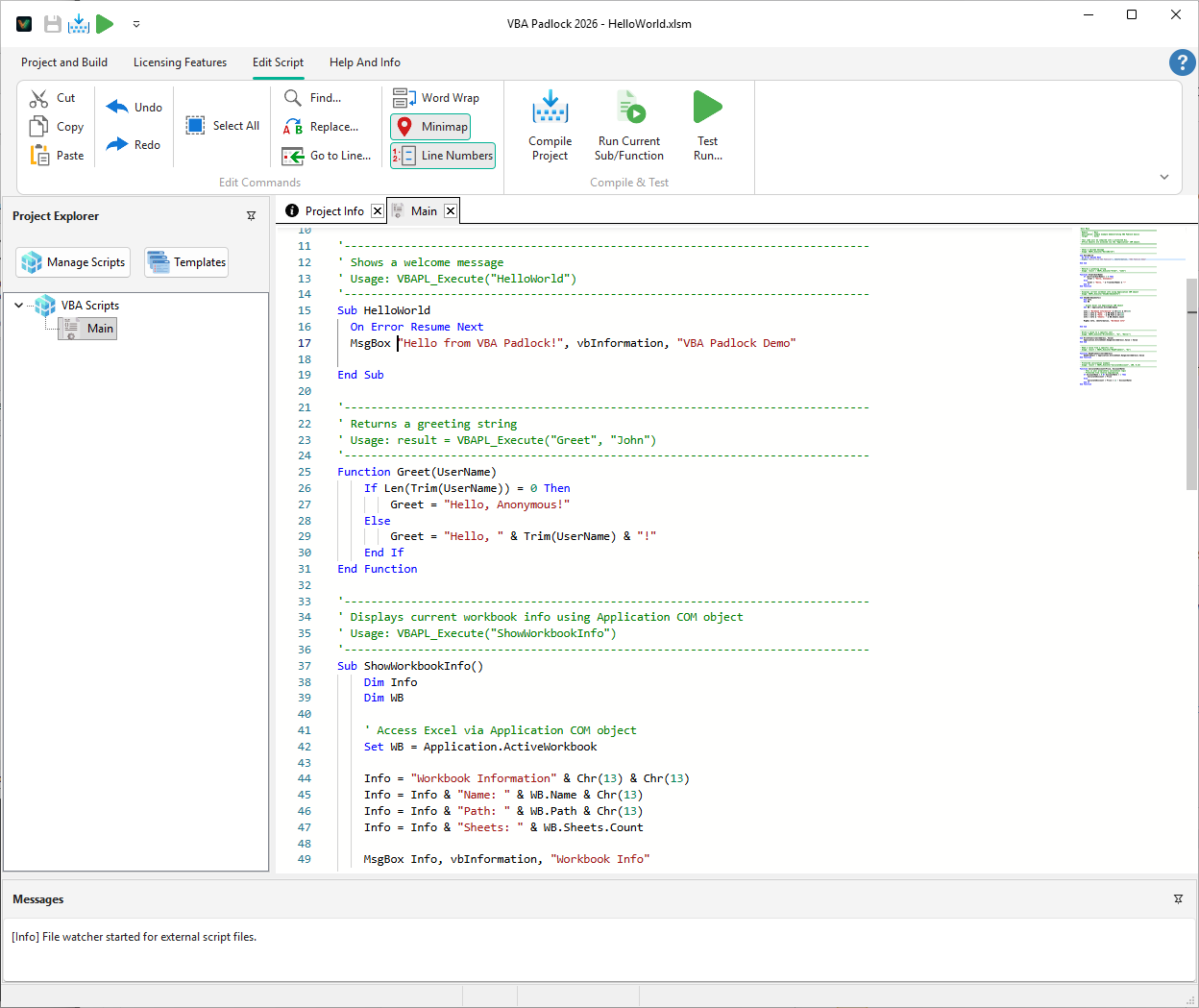
The VBA Padlock code editor with VBA syntax highlighting
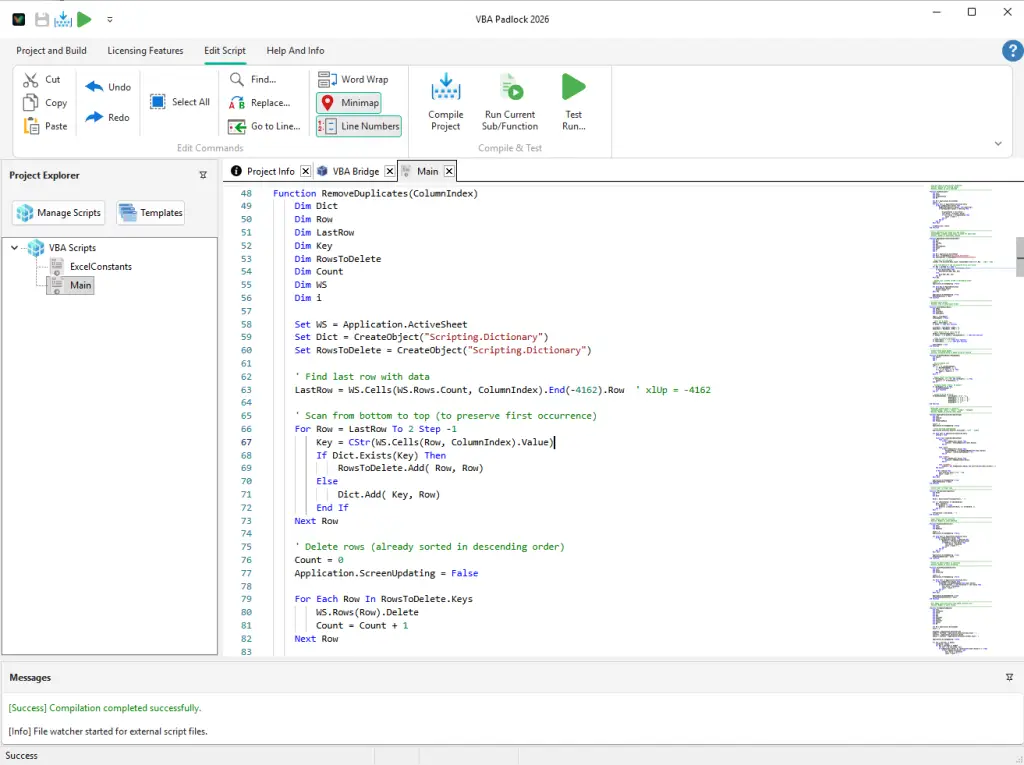
Successful compilation of a VBA project
Download & Links
- Download VBA Padlock 2026.1: https://www.vbapadlock.com/download
- Full release notes: https://www.vbapadlock.com/blog/vba-padlock-26-1-0-released
- Documentation: https://www.vbapadlock.com/doc
- Video tutorials: https://www.vbapadlock.com/videos
Already a registered user? Use the new Check for Updates feature in the Help menu to update directly from within VBA Padlock — no need to visit the website.
Questions or feedback? Let us know in this thread!