
oldteacher
Active member
Works just fine, see the bouncing ball and carousel. Tried on my laptop win 10 home and desktop win 10 pro.gdgsupport said:Can you confirm that it works for you?

Works just fine, see the bouncing ball and carousel. Tried on my laptop win 10 home and desktop win 10 pro.gdgsupport said:Can you confirm that it works for you?


That’s the role of code signing. Do you have a code signing certificate?richardwing said:What do I tell them prior to install to make them feel ok to install or run the software?
Yes, you’ll have to place the DLL file in the same folder as the EXE manually yourself. ExeOutput won’t ship with that DLL.richardwing said:Also do I need to install the pepflashplayer dll someplace manually? Do I have it placed in the same directory as the exe I build?
I know you do not like being bugged, I get it. But, when you are on my end of things and need to get a project started, few days can seem like a monthgdgsupport said:A few days for the new release. The documentation is being updated.
 So were do we stand as of today?
I do not think I have ever been disappoint in any release you guys put out - they have always been impressive.gdgsupport said:Thanks for the waiting! Hopefully, it will work for you as we expect it.

We have this problem all the time on Windows 10 Education version. Do not know if this will help you, but give it a look:richardwing said:When I try to install it. It says “the specified account already exists.” and then backs out. when trying to install the latest version, It says the same message when trying to uninstall the old version and backs out of the uninstall process
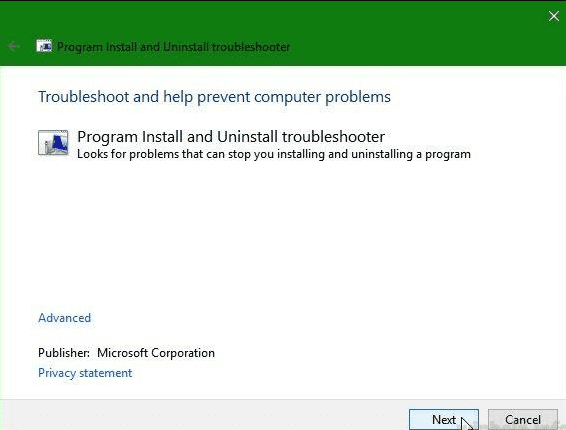
 www.techinpost.com

We use essential cookies to make this site work, and optional cookies to enhance your experience.
 ).
).