Hello,
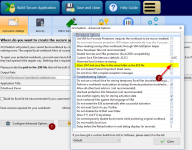
Where the DAT file is stored after saving in version 2017?
I would like to be able to delete this file sometimes, without having to change the default settings in the new version.
Regards,
Eithan
Continuing the discussion from XLS Padlock 2017.0 available - November 25th, 2017:
Where the DAT file is stored after saving in version 2017?
I would like to be able to delete this file sometimes, without having to change the default settings in the new version.
Regards,
Eithan
Continuing the discussion from XLS Padlock 2017.0 available - November 25th, 2017:
gdgsupport said:.DAT and auto-save files are no more created in the same folder as the EXE file by default.