jaydadhania08
Member
Using the latest ExeOutput / CEF versions. Also using the EXORun.dat patch provided by you.
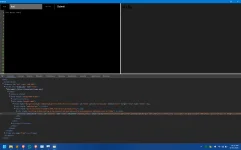
I have enabled Devtools and Devtools in Popup in my rendering engine properties. When I click Developer Tools from the context menu, it works fine (see below image).
But when I visit "http://localhost:9000" from an external browser, DevTools is not loaded and it just displays a blank white screen (see below image).
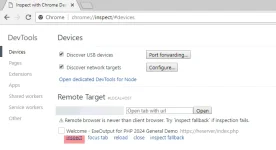
Surprisingly, "http://localhost:9000/json/list" does show the JSON list of all active pages (see below image).

I have tried using a different DevTools port, still the same issue.
Alternatively, is there a way we can run CDP commands using javascript / HEScript? I am trying to run some commands using DevTools Protocol like
Kindly help, thanks!
I have enabled Devtools and Devtools in Popup in my rendering engine properties. When I click Developer Tools from the context menu, it works fine (see below image).
But when I visit "http://localhost:9000" from an external browser, DevTools is not loaded and it just displays a blank white screen (see below image).
Surprisingly, "http://localhost:9000/json/list" does show the JSON list of all active pages (see below image).
I have tried using a different DevTools port, still the same issue.
Alternatively, is there a way we can run CDP commands using javascript / HEScript? I am trying to run some commands using DevTools Protocol like
Network.getAllCookies and Network.deleteCookies.Kindly help, thanks!