
Hello,
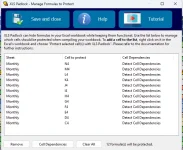
I have a large workbook and am just beginning to test to protect formulas and VBA. the formulas we are testing to lock down as simple like below example
=SUM(AA4:AL4).
issues im having are below and attached:
Thanks
 VNR
VNR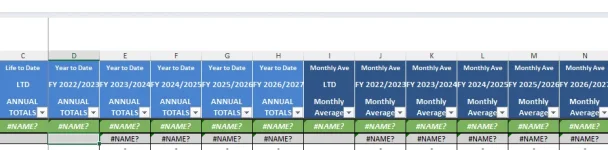
I have a large workbook and am just beginning to test to protect formulas and VBA. the formulas we are testing to lock down as simple like below example
=SUM(AA4:AL4).
issues im having are below and attached:
- the user can still edit the formulas in the formula bar (we dont want to hide formula bar
- The Cell with the formula shows #NAME? (see attached)
- Ive tried with using the Use Excel automation for formula protecton (on and off) and still doesnt work
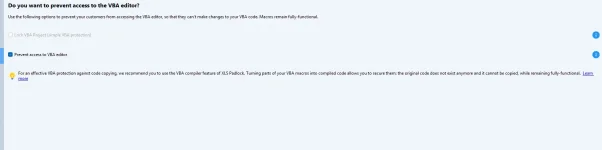
- Also the lock VBA Project option is greyed ouy (attached)
Thanks
VNR
Last edited:

